Operations
Spire Inventory Barcodes
Design and print barcode labels from Spire Inventory and Purchase Order. A report designer and sample layouts let you start from a working label and change it to fit the product.
Windows
Design, pick the items, print
Labels come from the same Spire data you already keep. Search the list, set how many to print, and send them to a printer or the screen.
-
Barcode design
Create your own label. Select a logo, text, and sizing. Drag and drop items to make a layout that fits the product.
-
Search and select
Search, sort, and select the items and how many labels to print. Choose the size and shape of a logo for the item.
-
Print
Print barcodes of almost any type from the Inventory or Purchase Order modules.
Spire
Inventory or purchase orders
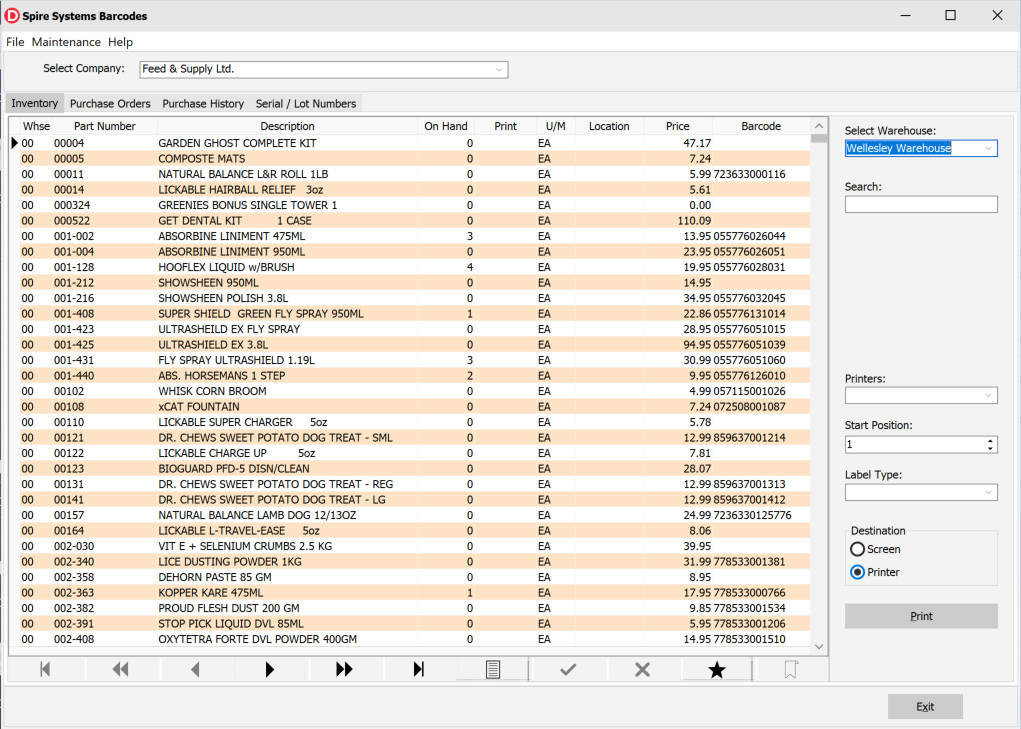
Print from stock on hand, or from a purchase order’s lines. Warehouse, start position, label type, and destination sit beside the list.
-
Select from Inventory -
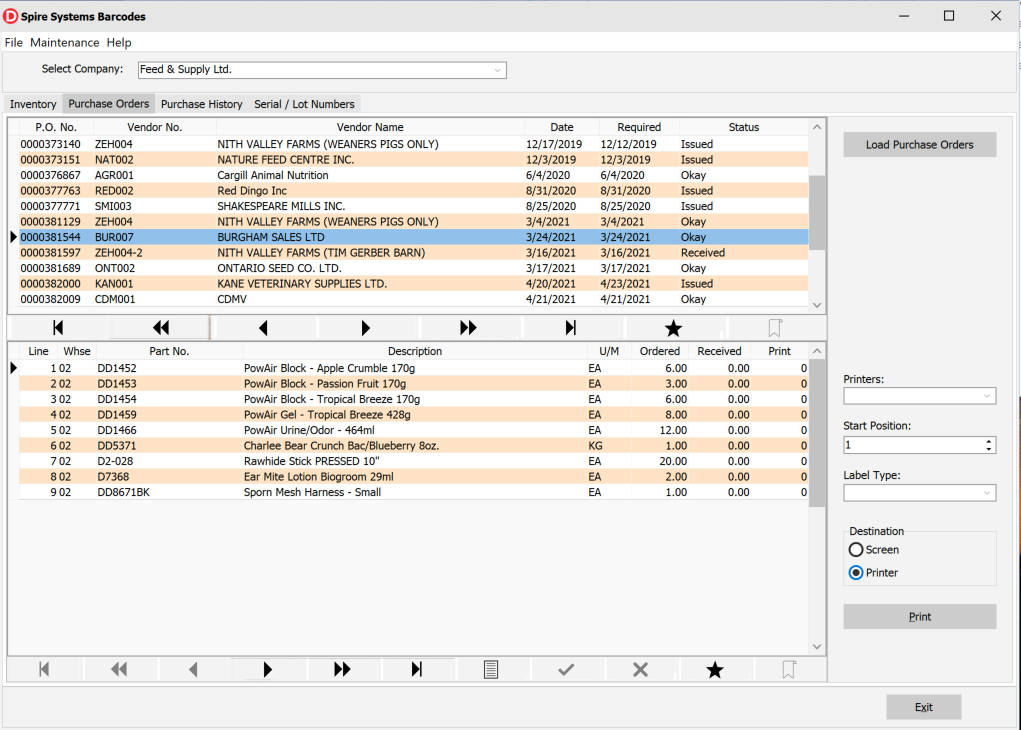
Select from Purchase Order
Labels
Layouts, codes, and extras
Sample labels ship with the program. Change the layout in Report Designer, pick which barcode to print, and add history or serial numbers when you need them.
- Sample labels for sheet and continuous feed, ready to use or as a base for a custom layout.
- Default printing is top left; other start positions can be chosen.
- Report Designer lets you drag and drop label items to create your own design.
- Barcodes can be the Spire inventory part number or a barcode from Spire's inventory_upc_codes table for that part.
- Barcodes shipped with a product, and those you create, appear in the dropdown on the Inventory and Purchase Order tabs.
- Add Purchase History and serial / lot numbers.
- A display name for customers is available in the maintenance form.
Barcode types
- 2 of 5 Interleaved
- 2 of 5 Industrial
- 2 of 5 Matrix
- Code 39
- Code 39 Extended
- Code 128
- Code 128A
- Code 128B
- Code 128C
- Code 93
- Code 93 Extended
- MSI
- PostNet
- Codabar
- EAN-8
- EAN-13
- UPC-A
- UPC-E0
- UPC-E1
- UPC Supp 2
- UPC Supp 5
- EAN-128
- EAN-128A
- EAN-128B
- EAN-128C
- USPS Intelligent Mail
- GS1 Code 128
- Pharmacode
- Deutsche Post Identcode
- Deutsche Post Leitcode
- PDF417
- Data Matrix
- QR Code
- Aztec
- MaxiCode
- GS1 Databar E.
- GS1 Databar E.S.
Print labels from your Spire inventory
Ask about a demo, label layouts, or how barcodes pull from Inventory and Purchase Order. We are based in Canada and reply by email.
Contact us